Just this once
Use a fresh address for a verification code, download or unfamiliar signup. Retire it when the job is done.
Private email, on your terms
Think virtual cards, but for email. Create a separate address for every signup, choose how long it lives, and keep your everyday email to yourself.
Create a fresh @mxduck.com address whenever a website, service or person asks for your email. Keep it for an hour, a week or for good, with every message in one quiet inbox.
Sign up with an invite
An address for every occasion
Use a fresh address for a verification code, download or unfamiliar signup. Retire it when the job is done.
Keep purchases, quotes and short conversations separate for a day or a week, then close the door.
Give an important account a stable address without handing over the email address you use everywhere else.
How it works
Give a website, service or person an MXDuck address. Your everyday email stays out of the exchange, while you stay in control.
Generate a fresh address and give it a label you will recognise.
Keep it for one hour, 24 hours, seven days or permanently.
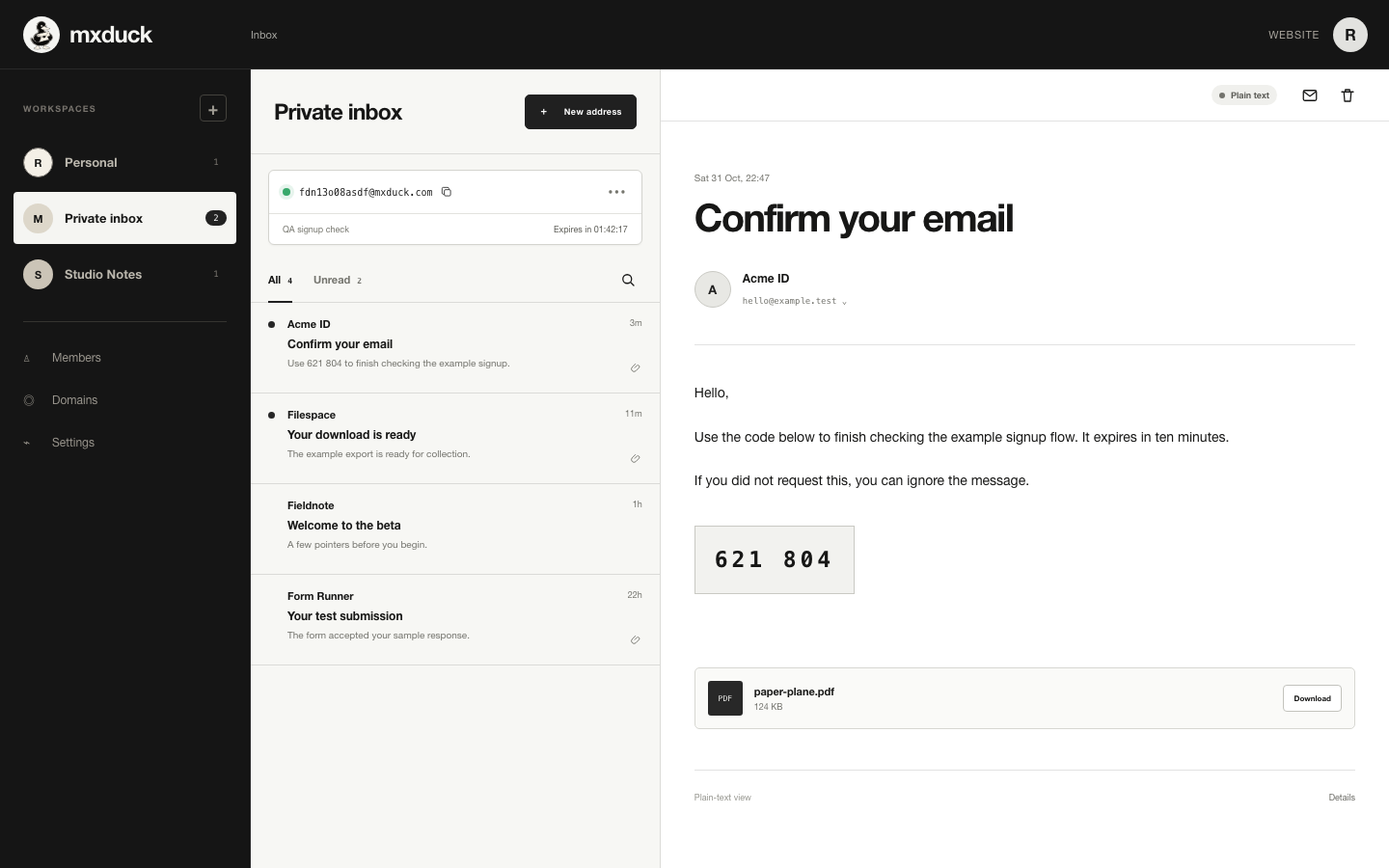
Read incoming messages in MXDuck without revealing your everyday email.
Extend an address when you need it, make it permanent or retire it instantly.
Privacy you can point to
Websites and people using an MXDuck address never need the email you use every day.
Incoming mail stays inside MXDuck instead of being forwarded into your everyday inbox.
The inbox displays plain text and does not load remote content that can report when you open a message.
MXDuck does not sell account or message data or use message contents for advertising.
Private beta
MXDuck is currently invite-only. Use your invite to create an account, or return to an inbox you already created.