Assume it will travel
An address on a portfolio, company page, event listing or social profile can be copied automatically. It may appear in databases long after you remove it from the original page. Obscuring the @ sign slows only the simplest collectors.
That does not mean you should be unreachable. It means the address should be designed as a public entrance rather than borrowed from private life.
Design the public entrance
- Use a dedicated alias that reveals no unnecessary personal information.
- Keep it separate from account recovery and sign-in addresses.
- Expect stronger filtering and review the spam folder occasionally.
- Publish clear expectations about suitable enquiries and response time.
- Replace the route if harassment or automated abuse overwhelms it.
What about contact forms?
A form can hide the destination address and add rate limits or bot checks, but it creates another system to secure and maintain. It may also frustrate legitimate senders or collect more information than needed.
A dedicated alias is simpler and works with ordinary email. A form is useful when you need structured fields or abuse controls. Neither should feed directly into an address that unlocks important accounts.
Replying can reveal another address
Check what appears in the From and Reply-To fields before answering public mail. Some alias services support replies that preserve the alias; others expose the underlying mailbox. Know the behaviour before a sensitive conversation begins.
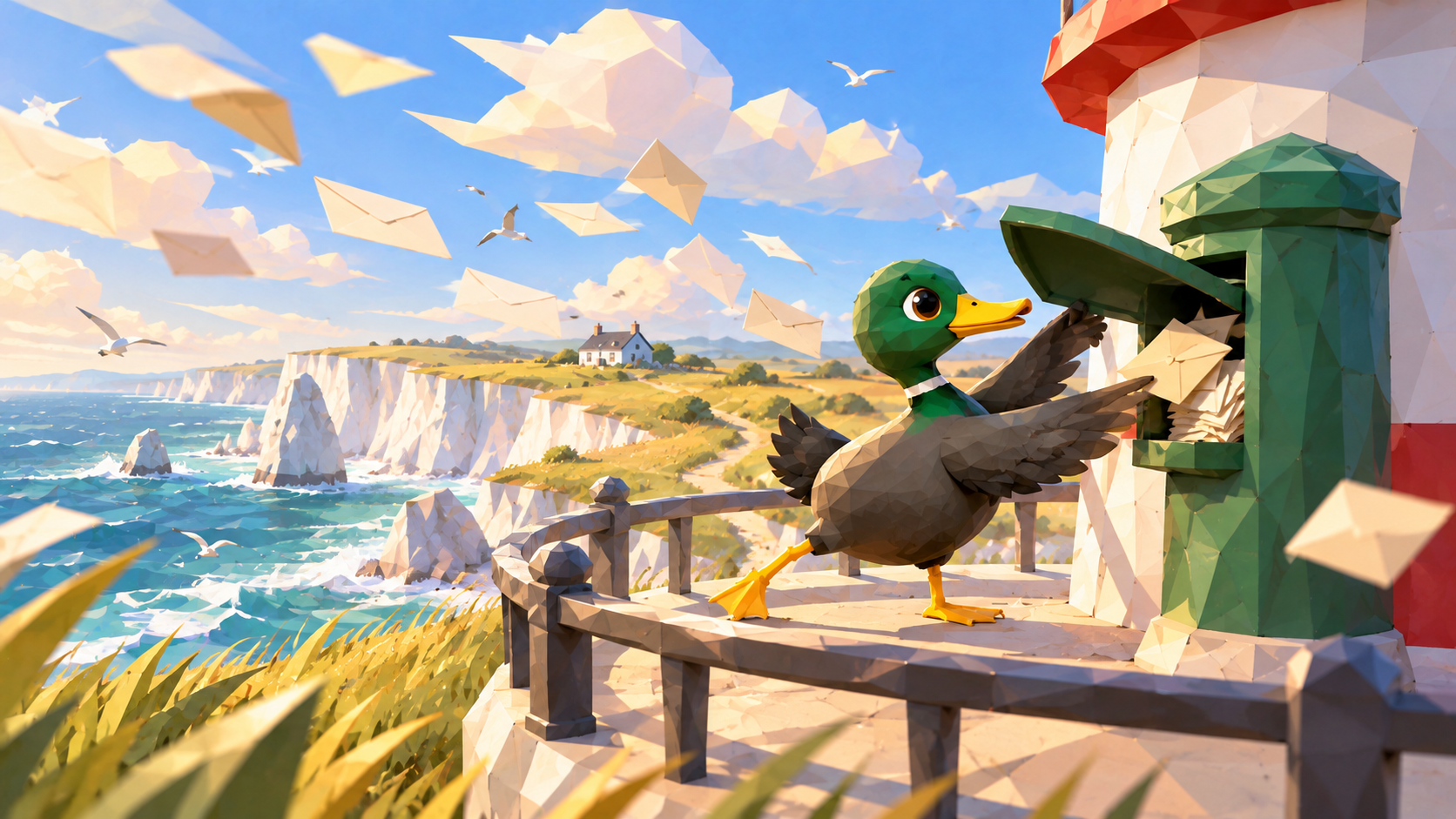
The lighthouse should answer ships without handing out directions to the cottage.
Public contact is valuable. Isolation makes it sustainable.
Give the next relationship its own route.
Create an MXDuck alias